
Financial Modelling & Model Quality
Where Should I Look Harder?
How I Use OAK and AI to Focus a Financial Model Review
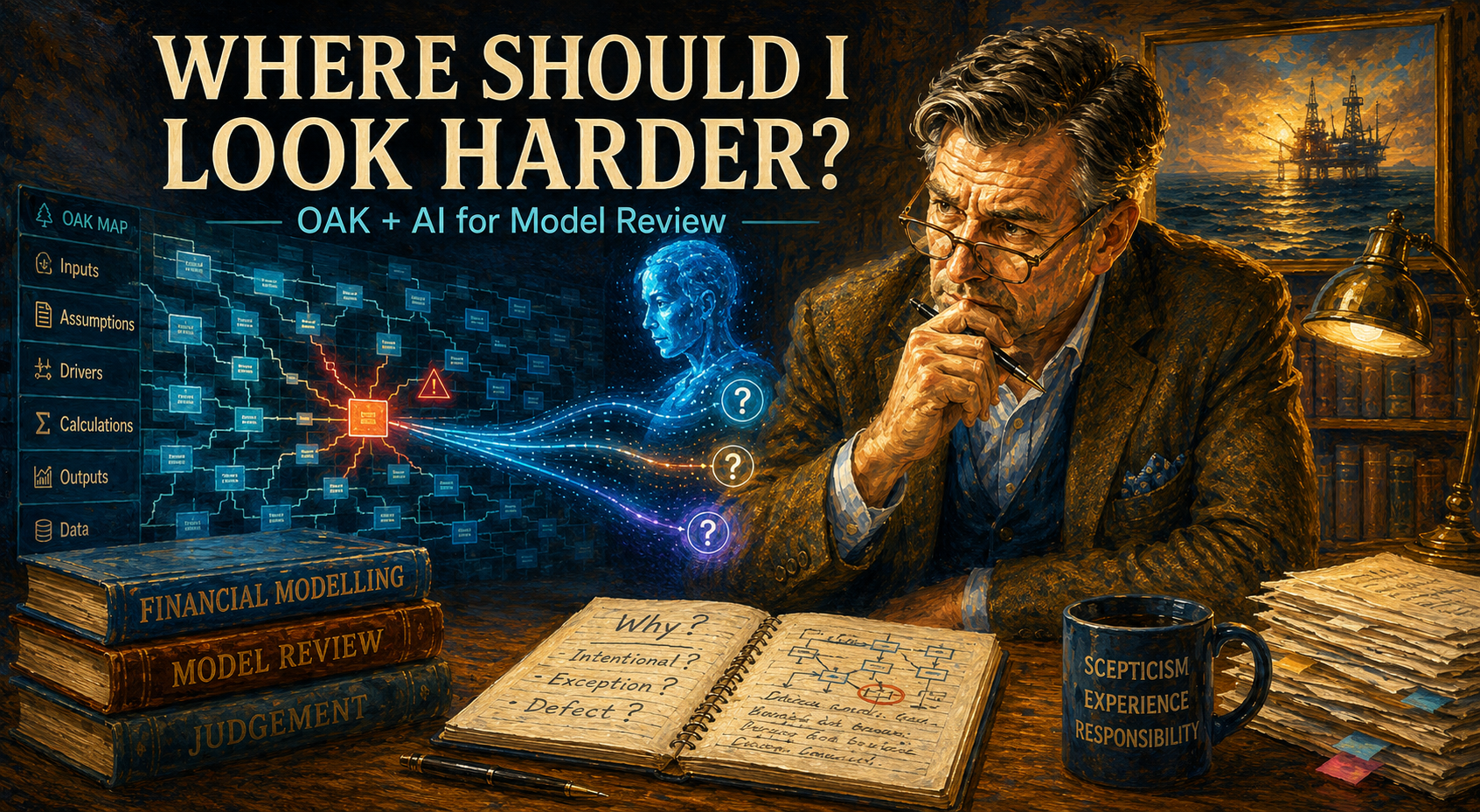
There is a moment in every model review when understanding the model stops being reassuring.
You have found the inputs. You understand the calculations. You know roughly where the cash goes, which is always comforting. The debt schedule makes sense. The outputs reconcile. Nobody has hidden an entire financing structure on a worksheet called .
And then you have to ask the less pleasant question:
Where should I look harder?
Because no matter what anyone tells you, nobody reviews every cell of a serious financial model with equal intensity.
Life is short. Models are long. Budgets are shorter.
That question is also where the third article in this little series begins.
In the first, I wrote about why AI had made me value specialist spreadsheet review tools more rather than less. In the second, I returned to PerfectXL and explored how structured review-tool outputs can give AI something a raw workbook often does not: context.
PerfectXL helped me think differently about understanding a model.
But understanding is not review.
Eventually, somebody has to become suspicious.
And that is where OAK has always been particularly useful to me.
The slightly grumpy reviewer in the room
I have used OAK – the Operis Analysis Kit – for years. I originally chose it after comparing different spreadsheet review tools because it solved a problem I cared about enormously: it helped me decide where to look first.
That remains true today.
OAK has always had a slightly different personality. It does not seem particularly interested in reassuring you. It has more of the manner of an experienced reviewer who has seen this sort of thing before and would now quite like you to explain cell H347.
I mean that affectionately.
There is some history behind that character. OAK originated as an internal Operis tool and continues to be developed in the environment of a firm that builds and audits financial models. You can feel that heritage in the way the software approaches a workbook.
Its Map remains particularly important to me. Formula behaviour, inconsistencies, errors and structural context become visible in a way that helps an experienced reviewer direct attention. OAK also provides tools including Workbook Summary, Distinct Formulas, Risk Analysis and Compare, alongside the Map.
But the value is not simply that the software produces information.
It is what the information makes the reviewer think.
OAK does not need to tell me:
This is wrong.
Often, something more useful happens.
I look at the Map and think:
That’s interesting.
And that’s interesting is where many good model reviews begin.
A review queue, not a finding list
There is an uncomfortable truth about model review that becomes more obvious as models become larger.
Review time is finite.
The model, apparently, has not received the memo.
The answer is not simply to inspect more cells. It is to allocate attention intelligently.
Experienced reviewers do this constantly. We notice inconsistencies, unusual patterns and odd transitions. We compare calculations that appear as though they ought to behave similarly. We follow the model logic. We ask why something is different and whether the difference is deliberate.
This is not merely my personal preference. Operis’ own review methodology includes focused techniques such as single-cell reconstruction, cash-flow reconstruction, inclusion analysis and sensitivities. Its published high-level audit scope is equally explicit that such a review does not attempt to check every part of a model, but concentrates on areas that experience suggests deserve particular attention.
That is the role in which I still find OAK remarkably difficult to replace.
OAK helps me turn a large workbook into a review queue.
Not a finding list.
A finding is something I am prepared to put my name under.
A review queue is merely a collection of things that have made me raise an eyebrow.
There is quite a lot of professional work between the two.
And this is precisely where AI has become useful.
What AI actually adds
The obvious workflow would be to run OAK, hand the output to AI and ask:
What’s wrong with this model?
I would not recommend that.
It gives AI entirely the wrong job.
OAK already does something specialist spreadsheet software is very good at: analysing workbook structure and surfacing technical observations. The reviewer does something rather different: deciding which observations deserve attention and what evidence is needed before reaching a conclusion.
AI can be useful in the space between those two things.
I can take a technical observation from OAK and use AI to explore competing explanations, formulate questions worth testing and organise the evidence I still need. Once an investigation is complete, AI can also help turn the result into clearer documentation.
None of that makes AI the reviewer.
It simply makes the journey from that looks odd to now I understand why rather more efficient.
In practice, I find myself using OAK and AI around four recurring moves: finding the break, following the consequence, forming the hypothesis and building the review queue.
They sound grander than they usually feel at the time.
Mostly I am still staring at Excel.
1. Find the break
Repeated logic is one of the great gifts financial models give reviewers.
If a formula behaves consistently across twelve periods and changes in the thirteenth, something has happened.
Perhaps construction has ended. Perhaps tax treatment changes. Perhaps debt amortisation begins. Perhaps a terminal calculation genuinely needs different logic.
Or perhaps someone changed the formula manually at 18:42 on a Friday and nobody remembers why.
The structural difference itself does not tell us which explanation is correct.
It tells us where to ask.
This is where I find OAK Map particularly powerful. An interruption, error or unusual formula structure becomes visible in its surroundings rather than appearing as an isolated cell reference.
Once OAK has made me curious, AI can help broaden the investigation.
Try it yourself
Give AI: A sanitised description of the OAK observation and enough neighbouring formula context to explain the apparent pattern.
Ask:
This calculation appears to break the surrounding formula pattern. Give me three competing explanations: a deliberate modelling choice, a benign exception and a potential defect. For each, tell me what evidence I should inspect in the workbook before reaching a conclusion.
Verify: Go back to Excel. Check the formulas, timing, assumptions and commercial logic.
The point is subtle but important.
I am not asking AI to find the error.
I am asking it to help me investigate a difference.
2. Follow the consequence
An unusual formula is interesting.
What it affects is usually more interesting.
Suppose OAK draws my attention to an odd formula in an operating-cost calculation. If the difference has no meaningful downstream effect, it may ultimately be little more than untidy modelling.
If it feeds cash flow, debt service, covenant calculations and equity returns, I become considerably more interested.
Reviewers rarely care about a formula merely because it is unusual. We care because unusual logic may affect something important.
The OAK Map and other OAK analyses can provide structural context around an observation. The workbook itself then remains the place where the actual calculation path and impact must be established.
That moves the question from:
Why is this different?
to:
If this is wrong, where does it go?
With sufficient evidence, AI can help organise that investigation.
Try it yourself
Give AI: The flagged observation and a sanitised description of the structural context visible through OAK and the relevant workbook information.
Ask:
Based only on the supplied evidence, describe the possible downstream path from this item. Separate relationships directly supported by the evidence from reasonable inferences and items requiring workbook verification. Then propose the order in which I should inspect the downstream calculations.
Verify: Trace it yourself in the workbook and with the relevant OAK analysis.
A highly connected formula is not automatically material. A relatively isolated formula is not automatically harmless.
Structure tells me where to investigate.
Context tells me what matters.
3. Form the hypothesis
This may be where I find AI most useful.
Reviewers formulate hypotheses constantly, even if we rarely use the word.
We see something unusual and begin constructing possible explanations. Perhaps the difference is intentional. Perhaps an old formula survived a model update. Perhaps a hardcode should have referenced an assumption. Perhaps what looks inconsistent is simply the transition between two forecast phases.
The dangerous thing is falling in love with the first plausible explanation.
Professional scepticism sounds rather grander than it usually feels in practice. Most of the time it simply means refusing to do exactly that.
AI is useful here because it can generate competing explanations quickly. The trick is to ask for competition rather than certainty.
Do not ask:
What’s wrong here?
Ask:
What might explain this, and how would I distinguish the possibilities?
Try it yourself
Give AI: The OAK observation, relevant formula context and any confirmed information about the surrounding model logic.
Ask:
Formulate up to four plausible review hypotheses. For each, explain why it could fit the evidence, what would support it, what would contradict it and what I should inspect next. Do not select a preferred hypothesis unless the supplied evidence clearly supports one.
Verify: Test the hypotheses against the model and add the commercial or contractual context the AI does not possess.
This is deliberately cautious.
The more articulate AI becomes, the easier it is for uncertainty to disappear beneath an extremely nice paragraph.
I would rather keep the uncertainty.
At least until the model has earned the right to remove it.
4. Build the review queue
One interesting observation is manageable.
A hundred are less charming.
A real review quickly accumulates formula questions, structural oddities, hardcodes, external links, errors and things that simply look as though they deserve another cup of coffee.
This creates a second-order problem:
What do I investigate first?
OAK helps me generate the raw review queue. AI can then be useful in grouping observations, identifying common themes, highlighting missing evidence and turning a collection of technical signals into something closer to an investigation plan.
What I do not ask AI to do is decide which items are the most material findings.
That judgement requires context it may not have: model purpose, transaction structure, financing documents, lender requirements, commercial significance and sometimes a fairly detailed understanding of why everyone is arguing about the model in the first place.
Try it yourself
Give AI: A sanitised set of OAK observations or reviewer notes.
Ask:
Group these observations into coherent review themes. For each theme, identify the technical characteristic, evidence already available, evidence still missing and the next areas to inspect. Suggest a provisional investigation order, but do not assign commercial materiality or convert observations into findings.
Verify: Ignore the proposed order whenever your professional judgement tells you to.
That last instruction is mine, not the AI’s.
This is the combination I find useful:
OAK helps create the queue.
AI helps organise it.
I decide where to spend my time.
From signal to finding
The distinction between a technical signal and a review finding is probably the most important methodological point in this article.
For me, the journey looks roughly like this:
Signal → Question → Hypothesis → Evidence → Challenge → Conclusion
OAK is particularly useful near the beginning of that chain. AI can assist in the middle. The model, supporting documents and reviewer provide the evidence. The conclusion remains a professional judgement.
What I do not want is this:
Signal → AI → Finding
That shortcut is seductive.
It is also where trouble begins.
A red flag is not automatically an error. A formula inconsistency is not automatically a risk. A risk is not automatically material. And a beautifully written AI paragraph is certainly not evidence.
There is another distinction worth remembering. A technically correct model can still describe a commercially unattractive or problematic project. Technical review tools can help establish whether the spreadsheet behaves as intended. They cannot, without the necessary commercial context, decide whether what the model is telling us is actually good news.
Which brings me back to the Map.
Why I still love the OAK Map
I have used several spreadsheet review and visualisation tools over the years. Some are prettier. Some generate more structured documentation. Some produce outputs that are easier to feed into automated workflows.
But OAK Map remains exceptionally good at one thing I care about enormously:
showing inconsistency in context.
A formula difference viewed in isolation is just a formula difference.
A formula difference seen within the surrounding model becomes a question.
Where did the pattern change? What sits around it? Does a comparable calculation exist elsewhere? Is this an isolated exception or part of a larger structural change?
Those are reviewer questions.
The Map makes them easier to see.
This was also one of the clearest distinctions in my recent output-based comparison with PerfectXL. PerfectXL Highlighter produced a highly structured Formula & Data Patterns Summary that I found particularly attractive for machine-readable documentation and AI preparation. OAK’s evidence was more visual and reviewer-oriented.
For automated processing, that can be a disadvantage.
For human review triage, I still regard it as a considerable strength.
Which is why I no longer find the question OAK or PerfectXL? particularly useful.
They overlap, certainly. Software products, rather inconsiderately, do not organise their feature sets around the conceptual framework of people writing LinkedIn articles.
But in my own workflow they tend to pull me in different directions.
PerfectXL helps me understand. OAK helps me focus. AI helps me investigate and communicate. I remain responsible for the conclusion.
That is not a ranking.
It is a division of labour.
AI cannot provide professional scepticism
AI can certainly imitate the language of scepticism.
That is not quite the same thing.
A model can calculate perfectly and still contain a poor assumption. A formula can be internally consistent and still implement the wrong commercial logic. A calculation can reconcile beautifully and still contradict the financing agreement.
None of those problems disappears because AI has become good at explaining spreadsheets.
In fact, AI introduces a new risk: it is exceptionally good at producing plausible explanations.
Used carelessly, it can help rationalise an inconsistency instead of challenging it.
That is why I increasingly use AI to generate competing hypotheses rather than single explanations.
Instead of:
Why is this correct?
ask:
What evidence would demonstrate that this is correct?
Instead of:
Explain this inconsistency.
ask:
Give me competing explanations and tell me how I would distinguish them.
Instead of:
Is this a finding?
ask:
What would I need to establish before this could become a finding?
Small changes.
Very different behaviour.
They move AI away from answer machine and towards challenge assistant.
That is a role I trust considerably more.
A brief word about governance
The same warning from my PerfectXL article applies here.
Review-tool outputs may contain workbook names, paths, formulas, linked files, assumptions, user information and commercially sensitive model structure. Convenient input for AI is not automatically appropriate input for an external AI service.
Use an approved environment. Sanitise where necessary. Share only what the task requires. Preserve the internal evidence trail.
And always return to the workbook.
AI can assist with reasoning.
The model remains the evidence.
What AI has actually changed
AI has not fundamentally changed why I use OAK.
I still use it for much the same reason I chose it years ago:
it helps me decide where to look.
What AI has changed is what happens next.
An unusual formula can become a set of competing hypotheses. A structural relationship can become an investigation plan. A collection of OAK observations can become a review queue rather than an intimidating collection of coloured cells.
But none of that changes the final responsibility.
OAK gives me signals.
AI helps me work with them.
The model provides the evidence.
I still have to decide what matters.
Which is probably as it should be.
Because a good model review was never about looking everywhere.
It was about knowing where to look harder.
Sources and Further Reading
- Operis – OAK / Operis Analysis Kit: product information and current Excel add-in overview.
- Operis – OAK 5 release information, including Dynamic Array support across Workbook Summary, Distinct Formulas, Risk Analysis, Map and Compare.
- Operis – Financial Model Assessment and Review: current review methodology and techniques.
- Operis – Financial Model Auditing: Scope of Work.
- Operis – Technical Excellence in Financial Modelling: distinction between technical audit checks and commercial warnings.
- Personal output-based comparison of OAK Map and PerfectXL Highlighter using the same financial model.
- Earlier articles in this series: The Review Tools I Thought AI Would Replace and I Thought I Knew PerfectXL.
